Hero Wing
A downloadable game for Windows
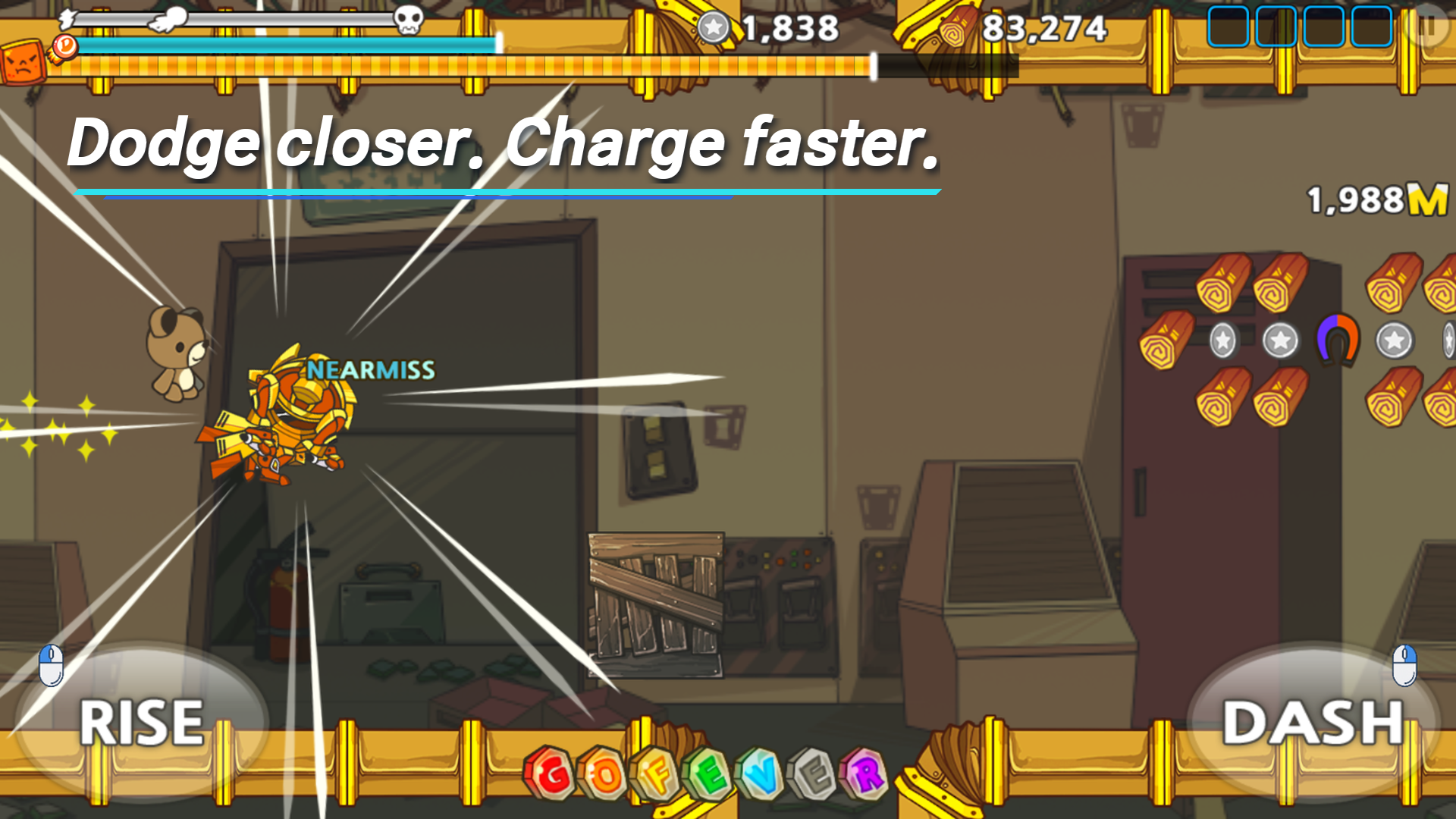
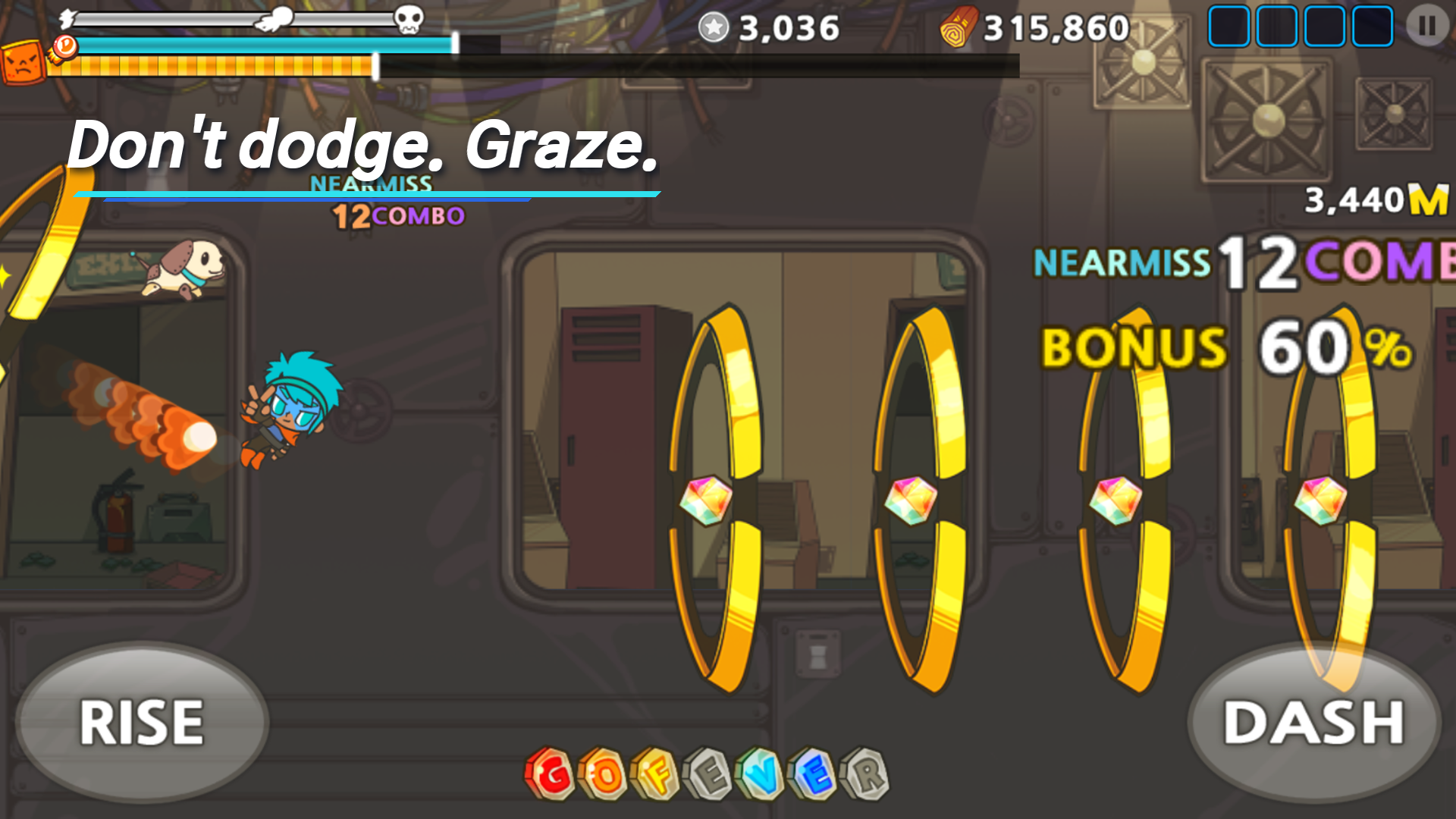
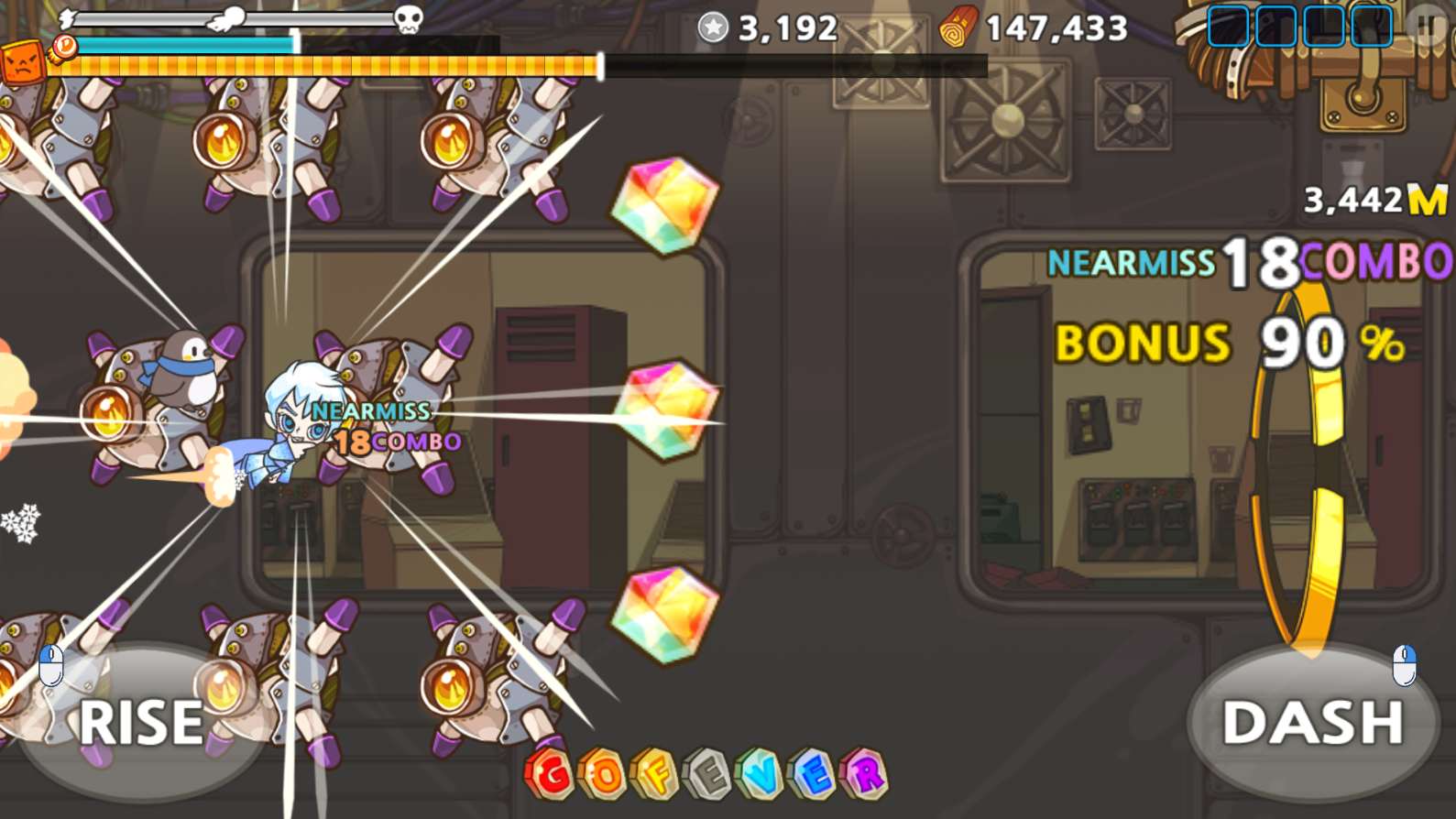
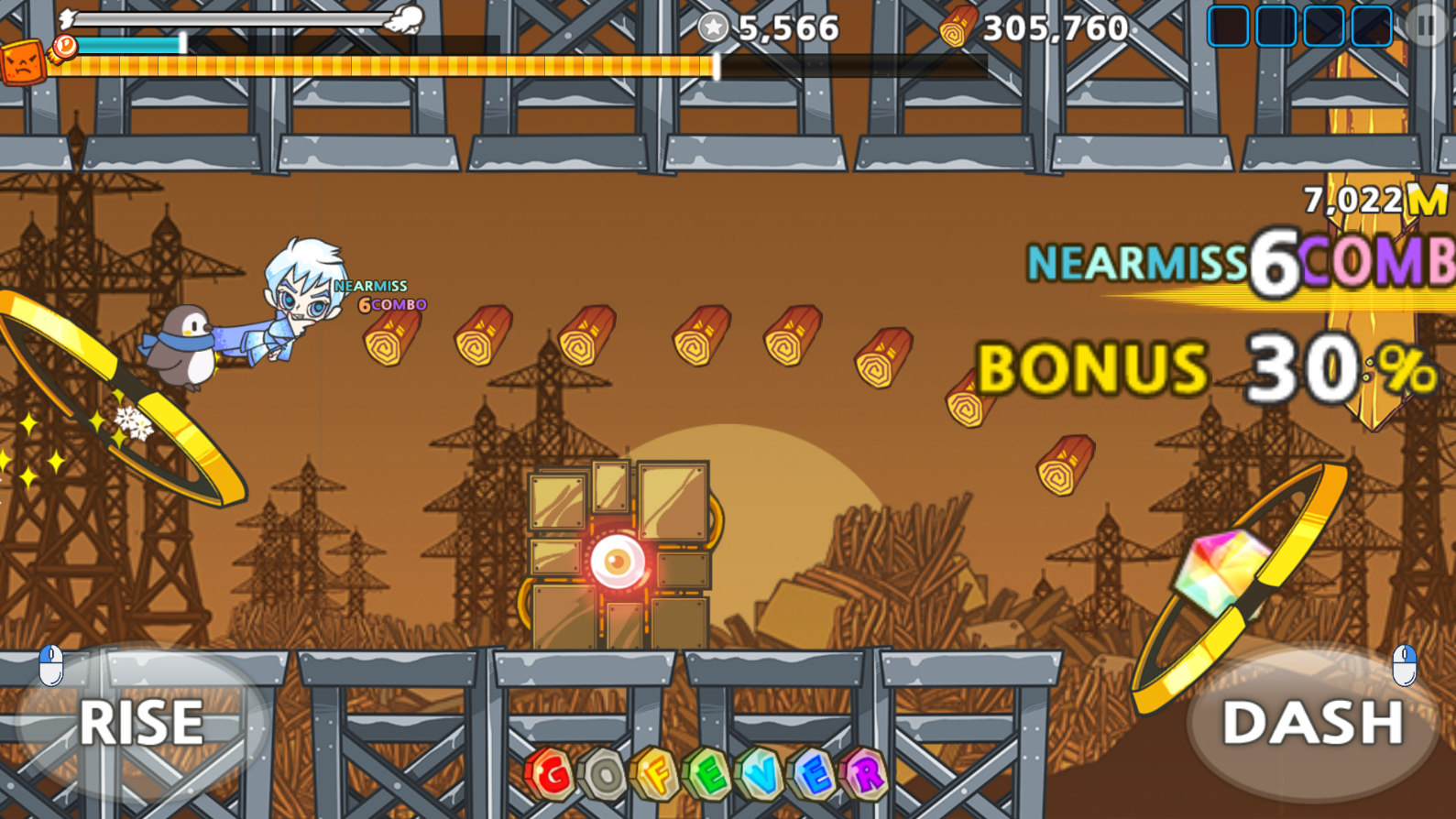
Hero Wing is a side-scrolling flying action game about managing speed, risk, and close calls.
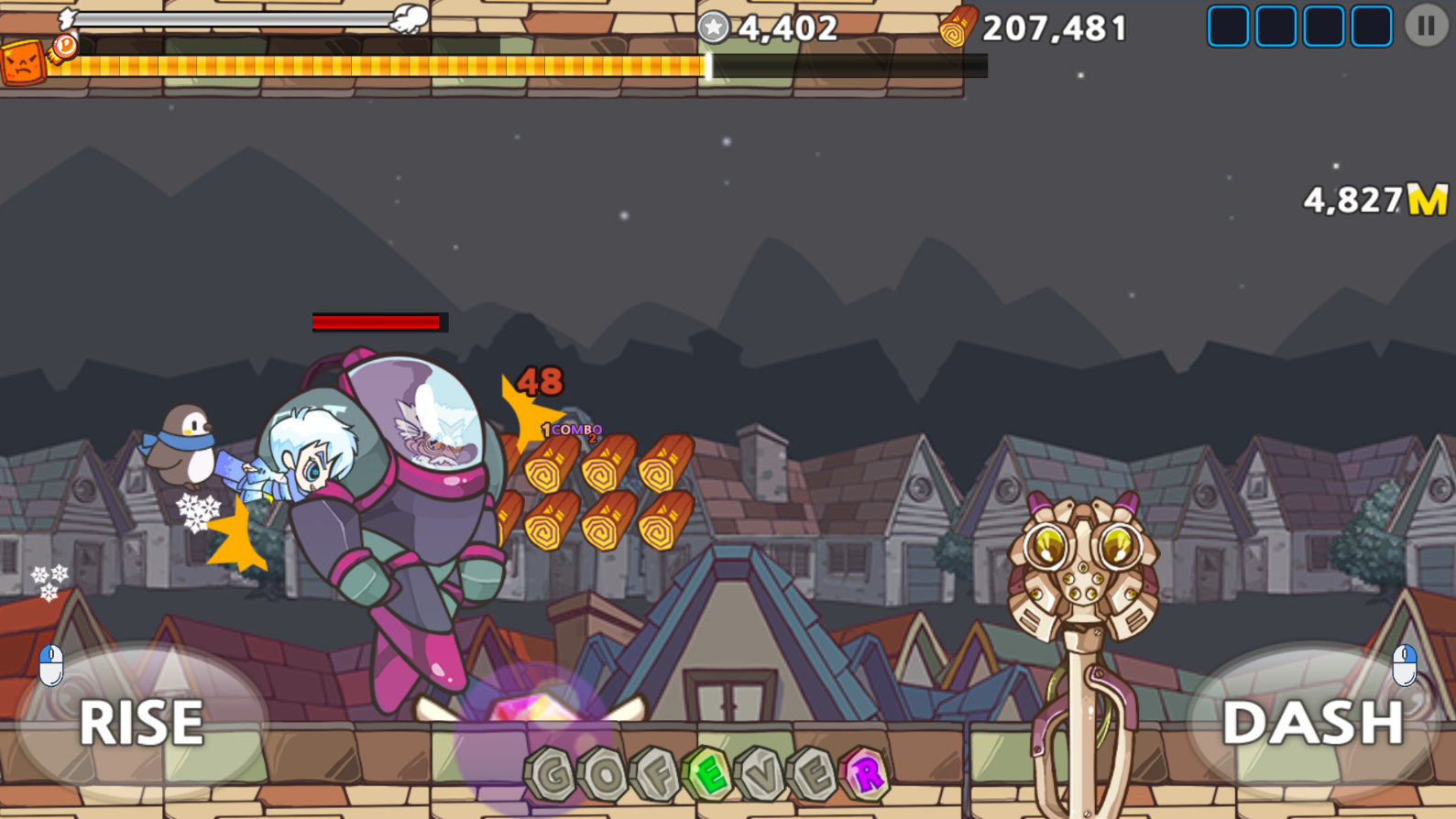
Fly close to obstacles to build a Near Miss Combo. Hold Dash to speed up and fill the gauge; when the gauge is full, Invincible Dash activates automatically. Make it through each stage, then take down the stage boss before it escapes.
This free Windows 64-bit demo brings the core flying loop to PC, with controller support (tested with DualSense) as well as keyboard and mouse.
What is included
- Close-range obstacle flying and Near Miss Combo scoring
- Manual Dash speed control and automatic Invincible Dash
- Stage boss fights
- Controller support, tested with DualSense, including analog trigger flight: the deeper you press R2, the harder you climb
- Keyboard and mouse controls
Demo notes
- The demo covers Inside the Lab and the first stage of Outside the Lab (7 of 12 stages)
- A-grade and higher Heroes cannot be purchased, and pet and gem draws are disabled in this demo
- The shop is disabled in this demo
- The executable is unsigned and may trigger Microsoft Defender SmartScreen
This PC version is still being adapted from the released mobile game. Feedback on the flight feel, controls, and early difficulty is especially welcome.
Download
Install instructions
How to run
- Download the ZIP and verify that its SHA-256 matches the value below.
- Extract the entire ZIP archive to a normal local folder. Keep HeroWing.exe, HeroWing_Data, UnityPlayer.dll, and all other files together.
- Run HeroWing.exe.
- If Windows blocks the app, right-click HeroWing.exe, select Properties, enable Unblock on the General tab, click Apply, and run it again.
ZIP SHA-256
919e058fbfb5911df120808ae9732d40ee8694634d4a65f7e41453b6a860900f
Demo content
The demo ends when you reach Outside the Lab Exit, and your run is saved as usual. After the demo completion message, select OK to watch a short promotional video (game audio is muted while it plays). After you have watched it to the end once, you can skip it with Circle or Esc. The results screen appears after the video. Relay is not available for a run that reached the demo limit.
Keyboard and mouse
- Menus: Left-click. Enter and Space also work on buttons that support keyboard focus.
- Fly upward: Hold Space or the left mouse button.
- Dash: Hold Ctrl or the right mouse button.
- Back or pause: Escape.
Controller (tested with DualSense)
- Menus: Use the D-pad or left stick. Press Cross to select and Circle to go back.
- Fly upward: Hold R2. The deeper you press, the harder you climb.
- Dash: Hold L2.
- Back or pause: Circle.
Other controller models have not been verified.
Known limitations
- This is a demo build. Content and balance may change.
- Keyboard and controller focus navigation may be incomplete in some non-core legacy screens.
When reporting a problem, include Player.log from:%USERPROFILE%\AppData\LocalLow\paper boat games\Hero Wing\Player.log
Leave a comment
Log in with itch.io to leave a comment.